







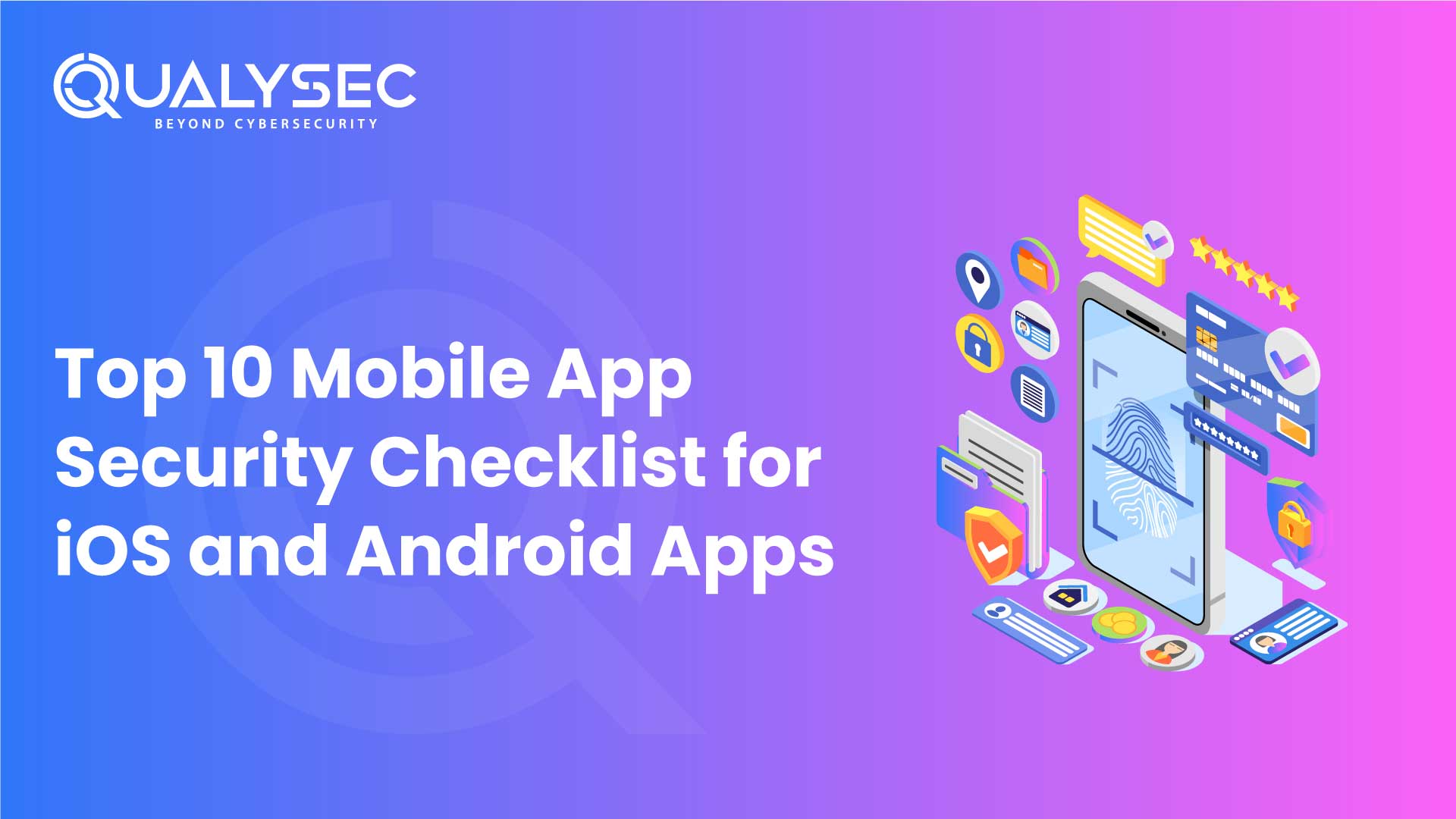
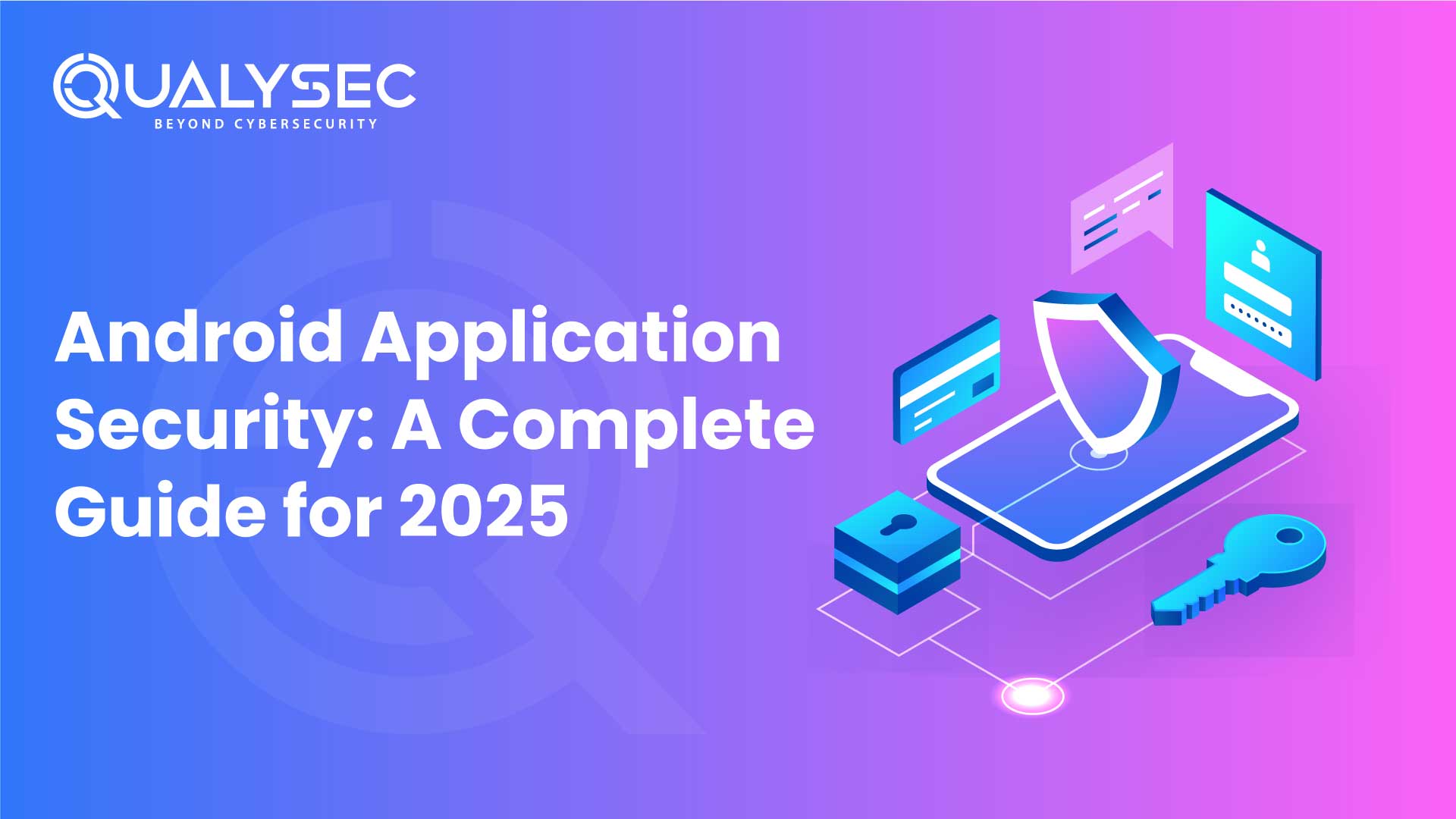
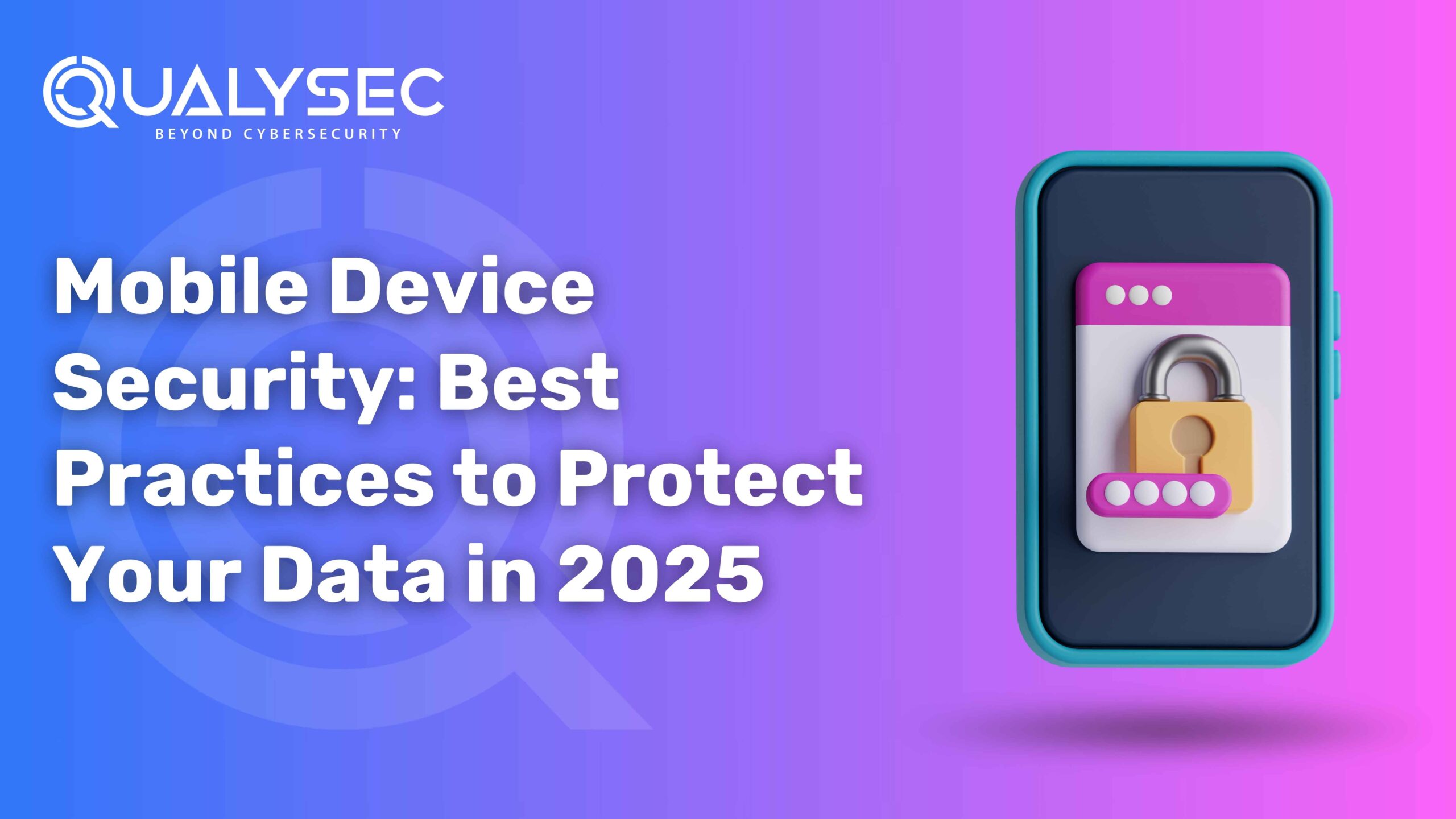
A guide makes it much easier to mitigate security threats. Mobile devices and apps are already playing vital roles in our daily lives. The scope of office employment, entertainment, personal contacts, or financial transactions increases daily. Especially if your workforce uses a mix of supervised and unsupervised iOS and Android devices, as most companies do, gaining visibility into mobile risk may be a challenging but realistic goal. Mobile application security best practices are essential for your overall security posture, whether you are addressing flaws at the mobile operating system level or dealing with app risks, including network threats and phishing.
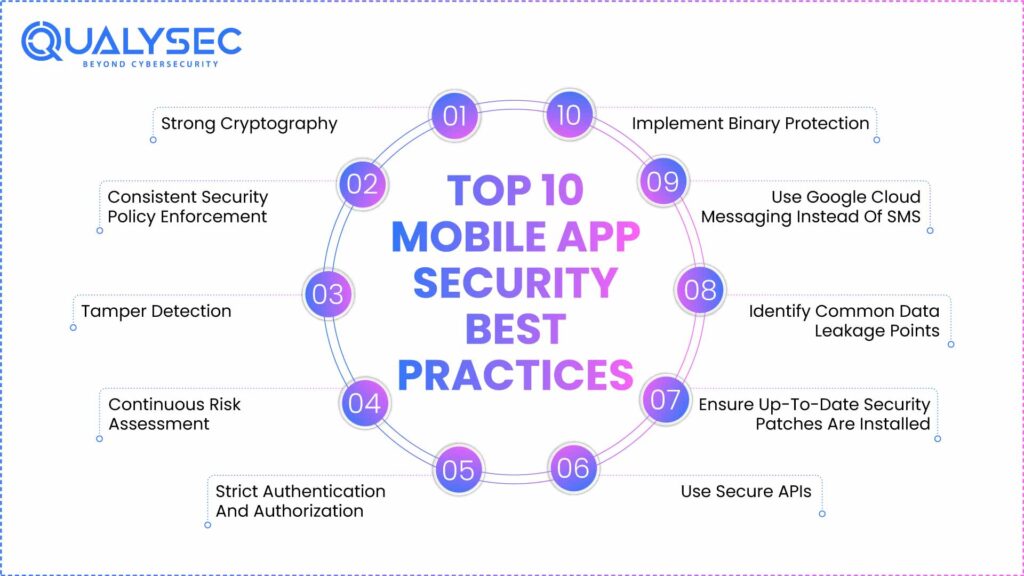
Top 10 Mobile App Security Best Practices
Below are the top 10 mobile app security best practices:
1. Strong Cryptography
Acting as a reliable gatekeeper, cryptography assures secrecy and data integrity. Including SHA into your mobile application is a big step toward strengthening the security of your app. Mobile app security’s encryption is, after all, about more than just preserving data; it is also about making it real and trustworthy.
The SHA family of cryptographic hash algorithms was developed by the National Security Agency (NSA). These systems provide a string of bytes of a certain length in response to an input (or ‘message ‘). Commonly shown as a text string, the output is a ‘digest’ peculiar to every particular input. Even minor adjustments in the input will cause the output to alter so much that the new digest would appear uncorrelated.
But bad cryptographic implementation also interferes with general Mobile Security Testing and mobile security. Many well-known cryptographies, including SHA1, MD4, and MD5, are open to attack with the rise of cybercrime. Highest cryptographic security is guaranteed by the most up-to-date APIs.
2. Consistent Security Policy Enforcement
Securing mobile applications helps to avoid several threats that often target mobile programs. Enforcers of mobile application management policy guarantee policies, including authentication, encryption, data loss prevention, and access restrictions, are in place.
This enables Mobile Device Security, ensuring the mobile app and devices to be safe from several security risks, including data leakage, unstable authentication, rooting or jailbreaking, malware threats, and APIs and third-party components.
3. Tamper Detection
The feature that alerts the programmers or application owners when an illegal effort to compromise or alter is made, and notifies the authorities.
The device itself or the data inside it helps one to take needed preventative steps to address the threat at the right time, therefore eliminating or minimizing its influence.
Tampering in mobile app security is altering either the compiled app, the running process, or the app environment. Identifying a tampering attempt helps to guarantee that no recompilation has been carried out by unauthorized people before the app release without the owner’s permission.
Among the commonly used anti-tampering elements in mobile applications are digital signatures, checksumming, and code obfuscation. Taking such essential security precautions warns you of any conceivable attempts to change your code by hackers and makes it difficult for them.
4. Continuous Risk Assessment
Knowing who has access to your company’s data, where it is stored, and how it is stored helps. The mobile application owners’ restriction of its access only to the essential ones helps to take the needed steps to reduce the data-related threats.
This strategy also keeps an eye on the information security measures and shortcomings for the organization so that risk management decisions can be made.
Explore- A Step-by-Step Guide to Mobile Application Security Assessment
5. Strict Authentication And Authorization
Authentication and authorization are procedures by which to ensure a genuine user accesses the mobile application. Usually, through distinctive login credentials or biometrics, or tokens, simple authentication confirms the identity of the user. This verifies that a person is who they claim to be.
Authorization, on the other hand, involves limiting mobile application operating levels. Depending on the user’s role, this either allows or denies access to particular data or features.
Authentication and authorisation help to enhance the information sharing and security of the application once implemented appropriately. They assist in preventing fraud, protecting consumer data, and implementing strict access control policies in the mobile application as well.
Also Read: Best Mobile App Security Testing Vendors with Good Customer Support
6. Implement Binary Protection
These are a series of activities that stop application manipulation and make it more difficult for hackers to change the application code or its behavior. Appropriate techniques and tools add an extra security layer to prevent binary files from reverse engineering and exploitation.
7. Use Google Cloud Messaging Instead Of SMS
The SMS protocol is not encoded or safe. Any other app on the user’s smartphone can see and read SMS. A function by Google called Google Cloud Messaging is one in which registration tokens on the client side authenticate the messages. Reset often on the server side by a specific API key.
Moving from SMS to GCM increases the safety of the message exchanges being sent and received. This encompasses financial information, passwords, OTPs, and even personal data.
Stay Ahеad of Thrеats – Sеcurе your mobilе apps with Qualysеc’s еxpеrt-drivеn sеcurity tеsting. Contact us today!
8. Identify Common Data Leakage Points
Among the main causes of data leaks is saving sensitive mobile app information in unsafe storage places on the mobile device. Securing the data from threats is made possible by monitoring common data leakage points, including HTML5 data storage, browser cookie objects, caching, logging, and app backdrop.
9. Ensure Up-To-Date Security Patches Are Installed
Mobile app updates seek to increase its security in addition to adding new features. An out-of-date program might be more vulnerable. Most developers keep the security of their programs with fixes and give them to user devices via safe installation means, like the App Store on iOS devices and the Google Play Store.
Read our latest blog on difference between iOS vs Android Security
10.Use Secure APIs
Although APIs are really useful, they also present a major security threat. Many times, APIs use an API key to make sure the call to the API server comes from a valid instance of your mobile application.
What if a hacker gets the API key? Keeping API keys in a mobile application also makes it simpler for hackers to locate and exploit them using reverse engineering methods.
Build Usеr Trust – Implеmеnt cutting-еdgе mobilе app sеcurity bеst practicеs with Qualysеc and protеct sеnsitivе data.







































































































































































0 Comments