

Office 365 security has become a first-line concern due to the rise of cybercrime across the world. In 2025 alone, 15.7 billion records were compromised globally by attackers – nearly twice as many as in 2024. Microsoft has to resist more than 600 million identity attacks a day and prevent approximately 7,000 password attacks per second. Nonetheless, advanced attacks such as zero-click AI attacks, sophisticated phishing, and increasingly stringent compliance requirements (GDPR/HIPAA) must be secured using multi-layered security that extends much beyond the minimum.
Don’t wait for a breach to find Office 365 security gaps – contact Qualysec for a verified security assessment today.
Why Office 365 Security is Particularly Important?
Office 365 is the backbone of business across the globe, with more than 345 million enterprise users by 2025. It is an excellent object of attack, however, because it is popular –
- Only after new defenses, Office 365 tenants experienced a 94% decline in QR phishing, yet new attack forms are on the increase.
- By 2025, 99 percent of breaches in Office 365 environments are due to privilege mismanagement and misconfigurations, and cost organizations an average of $4.88M per incident.
- The growing complexity and effectiveness of current attacks are evidenced by high-profile zero-day vulnerabilities, including the 2025 EchoLeak vulnerability affecting Copilot.
Protect your data with proven Microsoft 365 security practices.
Securities of Office 365
1. Microsoft Defender Office 365
- Safe Links and Safe Attachments – URLs and email attachments are automatically scanned in real time, and potentially harmful content is blocked before it is sent to users.
- Threat Investigation and Automated Response – AI-based tools with threat analysis automatically rank and process alerts and automate remediation to reduce time to incident response.
2. Identity and Access Management
- Microsoft Entra ID (Azure AD) Protection – Offers conditional access policies through which it imposes multi-factor authentication (MFA) and risk-based access policies and session monitoring dependent on the location of the user, device health, and sign-in behavior.
- Advanced MFA – Passwordless authentication on FIDO2 security keys and Windows Hello for Business. In addition to standard MFA, passwordless authentication and Windows Hello for Business minimize credential theft and phishing risks.
Learn more: How to Conduct a Cybersecurity Risk Assessment.
3. Data Loss Prevention (DLP) and Information Protection.
- DLP Policies – Do not send sensitive information accidentally by email or through document sharing outside of the organization.
- Sensitivity Labelling – Use labelling and encryption to control access to emails and documents, and apply data classification policies to Microsoft Teams, SharePoint, and OneDrive.
- Data Encryption – On-the-fly and at rest, data can be encrypted so that the data is not intercepted or leaked.
Learn More: Cloud Data Security? Key Benefits and Top Solutions.
4. Compliance Management
- Observes regulatory demands of Office 365 compliance for GDPR/HIPAA and others.
- Delivers risk and compliance scoreboards.
- Allows audit logging, insider risk management, and communication compliance policies to monitor and prevent the misuse of data or breach of the policy.
5. Security Monitoring Tools
- Secure Score – A dynamic and constantly updated score that measures the security posture of your organization, and gives you guidance on actions to take to enhance it.
- Audit Logs and alerts – Organizations can monitor the activities of users and recurring behavior, and configure automatic alerts when suspicious events occur.
- Conditional Access and Zero Trust Integration – Policies are dynamic to real-time risk factors, and least privilege access is enforced.
Recommended read: Security Testing Methodologies | Process & Checklist.
6. Application/Integration Governance
- Periodically check app permissions to reduce the risk exposure.
- External apps Policy Consent Approval Audit – External apps that have not been vetted can cause data leakage and/or unauthorized access, so they should be blocked.
7. Automated Remediation and Incident Response
Microsoft Defender is powered by machine learning and automation to –
- Eliminate possible violations.
- Auto investigation of suspicious activities.
- Have incidents with little human intervention to minimise impact and downtime.

What Is Office 365 Advanced Threat Protection (ATP)?
Office 365 ATP has been renamed Microsoft Defender for Office 365, which offers new AI-based phishing detection, zero-day automatic remediation, and attack simulation training –
- Blocks high-end malware and ransomware before they get into the hands of end users.
- Analyzes in real-time links, attachments, and emails using AI.
- Offers simulated phishing and attack response tools proactively.
Check out the Top Cloud Security Threats of 2025 and How to Mitigate Them.
Drawbacks of Office 365 ATP and Built-in Security
As powerful as it is, Office 365 ATP is not a bulletproof feature –
- Most of the organizations utilize basic Plan 1 services. They do not have the advanced, proactive capabilities of Plan 2, such as Automated Investigation and Response.
- Weaknesses in the training of the users, improperly configured conditional access, and old-fashioned authentication expose the organizations.
- Although Microsoft has been managing 1.25 million DDoS attacks in 2024, visibility and privilege control loopholes continue to be a common source of breaches.
- Native tools are not always able to identify indirect privilege escalation, insider threats, post-compromise lateral movement, and target exfiltration.
Office 365 Security and Compliance Explained
In 2025, the issue of compliance is as important as threat defence. Office 365 security and compliance provides built-in support of frameworks such as GDPR, HIPAA, and others. It demands that administrators enable the relevant controls.
To check Office 365 compliance for GDPR/HIPAA, organizations need to –
- Include Microsoft built-in encryption, auditing, and DLP.
- Sign a Business Associate Agreement (BAA) in HIPAA.
- Understand the strict access control, auditing, and breach notification.
The Office 365 security and compliance is shared – Microsoft offers the features, but the organizations have to implement, set up, and oversee proper policies (e.g., least privilege, retention of the audit logs, responding to breaches).
Why It Is Important to Have Independent Security Testing?
- Using built-in Office 365 security or ATP only ignores the hidden vulnerabilities and new attack vectors.
- Gartner discovered that almost every case of cloud security can be traced back to misconfigurations that can be prevented by the user.
- Hidden privilege escalation paths, unmonitored third-party access, improper sharing, and unnoticed configuration drift can only be revealed through independent security testing, particularly verified Office 365 penetration testing.
- Regulatory audits and requirements (GDPR, HIPAA) are raising more and more requirements for independent validation or third-party validation.
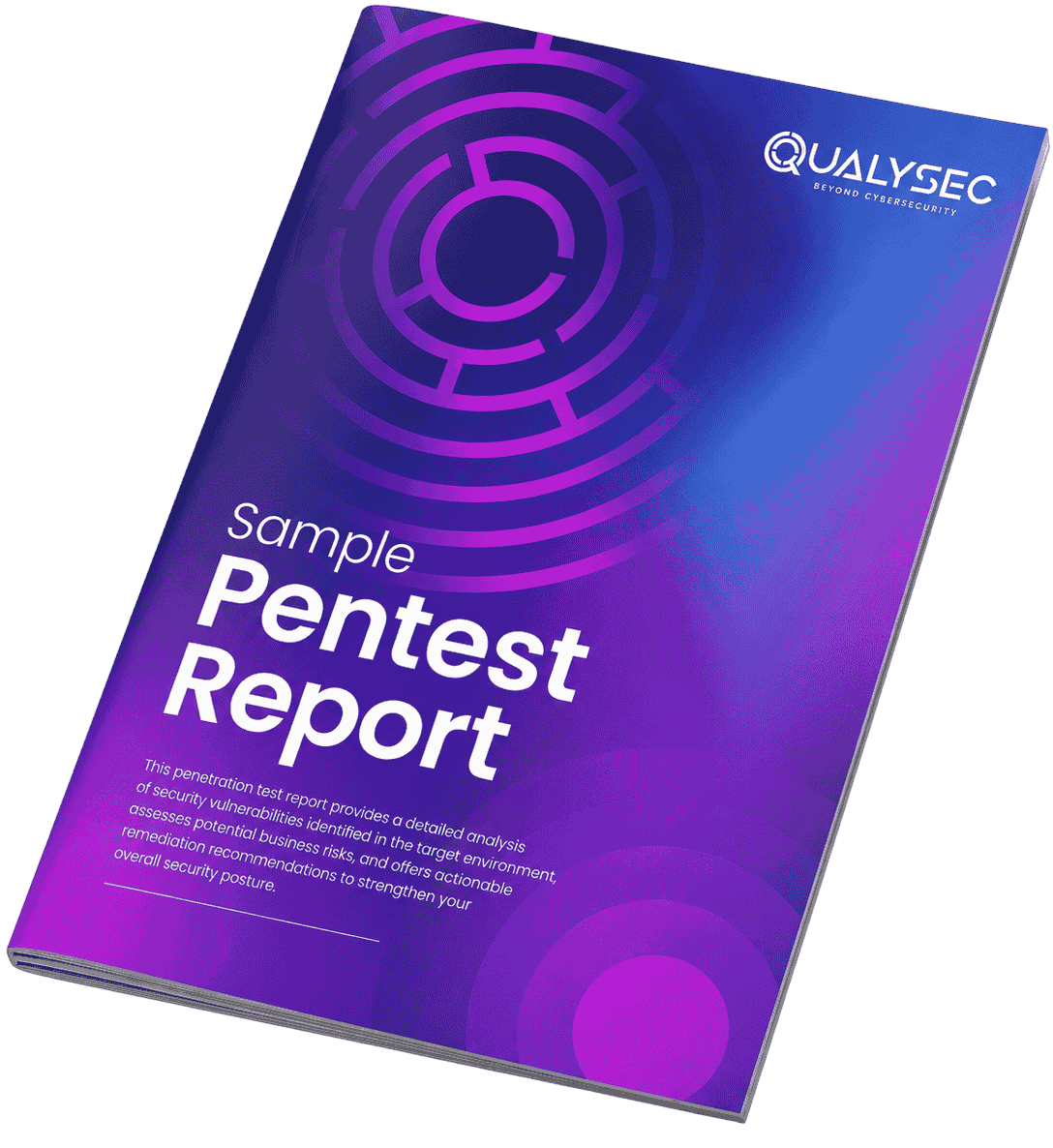
See how a penetration report works — download a sample to know its role in securing Office 365.
Office 365 Security Best Practices
- Implement Phishing-Resistant MFA – FIDO2 keys, or passwordless authenticator apps, are now mandatory.
- Implement Zero Trust Principles – Assume breach, limit permissions, and explicitly validate identities.
- Conditional Access – Granular controls that are user, device, risk, and a
- Happlication-basedarden Admin Roles – Delete unnecessary/superfluous accounts and watch out for privilege increase.
- Practice – Conduct frequent phishing and attack simulations and exercises.
- Ongoing Penetration Testing – Take it a step further and test in a real-world environment, and ensure that all controls are actually effective by using external Office 365 penetration testing.
- Ongoing Compliance – Archive audit logs, encrypt data, and conduct continuing assessment of risks to GDPR/HIPAA compliance as Office 365 Security Best Practices.
What Qualysec Does to Boost the Security of Office 365?
About
Qualysec Technologies is a global cybersecurity firm that focuses on process-based penetration testing and compliance testing of cloud, SaaS, and Office 365.
Services
Advanced Office 365 penetration testing, certified cloud security assessments, process-driven auditing of compliance, remediation advice, and continuous risk control.
Process-based Unique Verification
Qualysec has an edge through an assurance of process-based security. In contrast to ad-hoc or generic methods, Qualysec uses a highly documented multi-stage evaluation specific to each Office 365 tenant. The process includes –
- User role, sharing privilege, and authentication flow End to end reconnaissance.
- Testing of ATP policies and DLP settings, as well as important compliance control (GDPR/HIPAA) through automated and manual testing.
- Privilege escalation, third-party app, email flow, and conditional access exploitation simulation.
- In-depth, understandable remediations aligned to world frameworks (NIST, ISO, GDPR, HIPAA).
Clients enjoy transparent reporting, internal transfer of skills, and continued validation of new Office 365 security threats. None of the other companies provides this unique combination of process rigor along with verified, actionable remediation and compliance alignment with inherent legal defensibility.
Have security/compliance concerns with Office 365? Get a process-approved evaluation by schedule a meeting with Qualysec Technologies today!
[elementor-template id=”86624″]
Conclusion
The Office 365 security will be as strong as its configuration, practices of compliance, and independent validation. The threat environment in 2025, characterized by higher-than-ever rates of breach, more advanced attacks, and stringent regulation, would require businesses to have more than default ATP or inbuilt controls. The independent coverage, evidence of compliance, Office 365 security best practices, and the peace of mind that modern organizations require are offered through process-driven security testing by specialized partners such as Qualysec Technologies.
FAQs
1. Is Office 365 secure enough for my business?
Office 365 security has robust and many-layered safeguards. Nevertheless, it is also necessary to be properly configured. The built-in tools in Microsoft are not fully utilized by organizations due to the fact that it has been mismanaged, which is a human factor, and the new methods of attack. Independent Office 365 penetration testing, active configuration management, and frequent audits should be established to provide maximum security and compliance in 2025.
2. What does Office 365 Advanced Threat Protection cover?
The Microsoft Defender for Office 365 or Office 365 Advanced Threat Protection (ATP) will defend against AI-enabled phishing, malware, and zero-day attacks in email and files, and collaboration tools. High-tech solutions provide automated correction options, imitation, and deep-threat analytics.
3. Do I still need penetration testing if I use Microsoft 365 Security tools?
Yes. Penetration testing identifies the vulnerability (real life), misconfigurations, and privilege risks not found by the built-in tools. The regulatory frameworks and best practice guidelines require an independent and process-based validation, like Office 365 penetration testing, to guarantee complete security and compliance confirmation.
4. How does Office 365 support compliance with GDPR/HIPAA?
The Office 365 compliance for GDPR/HIPAA makes organizations meet the requirements of these guidelines, but this is not the task of Microsoft to do it. Customers are to establish policies, keep logs, get BAA (in the case of HIPAA), and do periodic risk assessment. Compliance is a common model, and the independent audits provide validation and documentation.
5. What’s the difference between ATP and third-party security testing?
ATP (Microsoft Defender for Office 365) offers real-time detection, mitigation, and compliance capabilities. Third-party security testing, such as the process-based approach of Qualysec, provides independent verification, privilege analysis, and attack emulation.
Ready to prioritize Office 365 security and compliance? Qualysec’s verified process delivers clarity, confidence, and global expertise – contact Qualysec Technologies today.